 Poker odds calculator vs bankroll tracker: which app solves which problem?
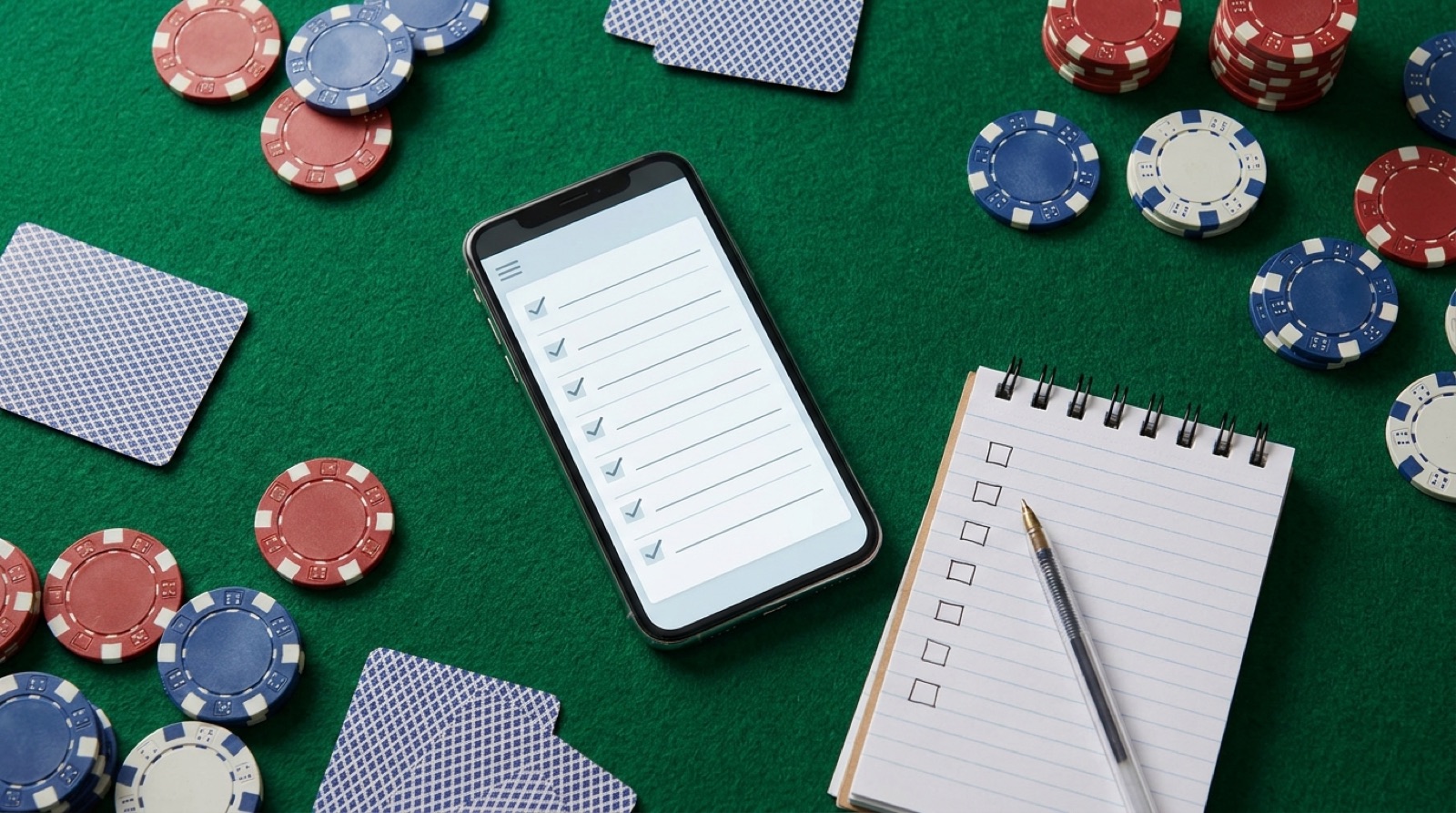
A poker tracker app checklist should start with one honest question: what decision are you trying to improve after you download the app?
If you only want to remember whether you won or lost, almost any notes app can do that. If you want to protect a bankroll, review games, compare stakes, track tournament costs, and stop rewriting history after a bad session, the checklist gets stricter.
The best poker tracker app for you is the one you will still use when you are tired, tilted, or leaving the card room late. Fancy graphs do not help if the session never gets logged.
Start with the kind of poker you play
The word tracker gets messy because players use it for different tools. A live cash player, an online grinder, and a tournament player may all search for a poker tracking app, but they do not need the same product.
| Player type | What the app must track | What matters less at first |
|---|---|---|
| Live cash player | Buy-ins, cashouts, stakes, venue, hours, table notes, and bankroll movement. | Online hand histories and HUD stats. |
| Tournament player | Buy-ins, re-entries, markups, staking, swaps, travel, and ROI by format. | One-session profit graphs. |
| Online player | Site rules, hand histories, database reports, bankroll records, and study exports. | Live venue filters unless you also play live. |
| Mixed live and online player | Clean filters so live, online, cash, and tournament results do not blur together. | A single combined win-rate number. |
This is why app roundups can feel confusing. PokerNews has a bankroll tracker roundup, while product pages like Poker Bankroll Tracker and Poker Analytics each frame tracking around their own feature set. Read those pages as current product claims, then compare them against your actual game.
The poker tracker app checklist
Use this checklist before you install anything. You do not need every feature. You do need the features that match the decisions you make most often.
| Checklist item | What to compare | Why it matters |
|---|---|---|
| Fast session logging | Can you enter buy-in, cashout, stake, location, game type, and time in under a minute? | The app only works if you use it right after the session. |
| Bankroll views | Does it show bankroll movement, profit, hourly rate, and drawdowns without hiding the raw sessions? | You need both the graph and the ugly details behind it. |
| Filters | Can you filter by stake, venue, game type, date range, format, and session length? | Good decisions come from filtered records, not one blended number. |
| Notes | Can you write short notes about table quality, tilt, fatigue, big pots, and the next adjustment? | Profit tells you what happened. Notes help explain why. |
| Tournament costs | Can it handle re-entries, add-ons, swaps, staking, travel, and side costs? | A tournament score can look clean while the real cost is messy. |
| Export and backup | Can you export your data or recover it if you change phones? | Your poker history should not depend on one device behaving forever. |
| Privacy | Does the app explain what happens to account, analytics, and poker-result data? | Your bankroll record is private financial behavior, even if it is not a bank account. |
| Pricing and platform support | Is the app available on your device, and are any paid features clear before you rely on it? | Availability, subscriptions, and feature access can change. |
Before choosing, open the current app pages and read them closely. The Poker Bankroll Tracker App Store listing is an example of the kind of page where ratings, screenshots, version history, and pricing notes can change over time. Do not rely on an old review if the app page says something different today.
Do not confuse a bankroll tracker with a HUD
A bankroll tracker records your poker business. A HUD or hand-history tracker studies online hands and opponents. They can both be useful, but they solve different problems.
If you play live poker, start with session records. You need to know whether the room, stake, time, and table type are actually making money. You need to know whether you reload too often, stay too long, or take shots that do not fit your roll.
If you play online, check the rules for the exact site before using any third-party tool. PokerStars publishes a prohibited programs page, and GGPoker's Security and Ecology Policy covers real-time assistance and external help during play. Rules can change, so the site policy beats whatever a tracker review says.

Download Poker Stack Now
"PokerStack is THE app you need to have as a live poker player."
Poker.com


For a simple split, use a calculator or study tool for hand review, then use a bankroll tracker for the session record. I covered that split in the poker odds calculator vs bankroll tracker guide.
What a good poker tracker app should make easier
The app should make your next decision easier, not just make the past look tidy. After 20 or 30 logged sessions, you should be able to answer practical questions.
- Which stake is actually working?
- Which venue produces the best hourly rate after bad sessions are included?
- Do long sessions help you or hurt you?
- Are re-entries eating the tournament budget?
- Are you winning because the game is good, or because one heater is carrying the graph?
- Which note keeps repeating after losing sessions?
That is the real reason to use Poker Stack. It keeps the buy-in, cashout, location, stake, notes, and bankroll movement in one place, then lets you review the pattern instead of arguing with memory. The base habit is covered in what to record after every poker session.
Red flags before you download
Some tracker apps look good until you imagine using them after a real session. Be careful when you see any of these problems:
- The app is slow to log a basic session.
- It shows graphs but makes individual sessions hard to inspect.
- It mixes live cash, online cash, and tournaments without clean filters.
- It treats tournament profit as simple cash profit and ignores re-entries or backing.
- It has no clear export or backup path.
- It pushes strategy advice during play without making site-rule risk clear.
- It hides the price until after setup.
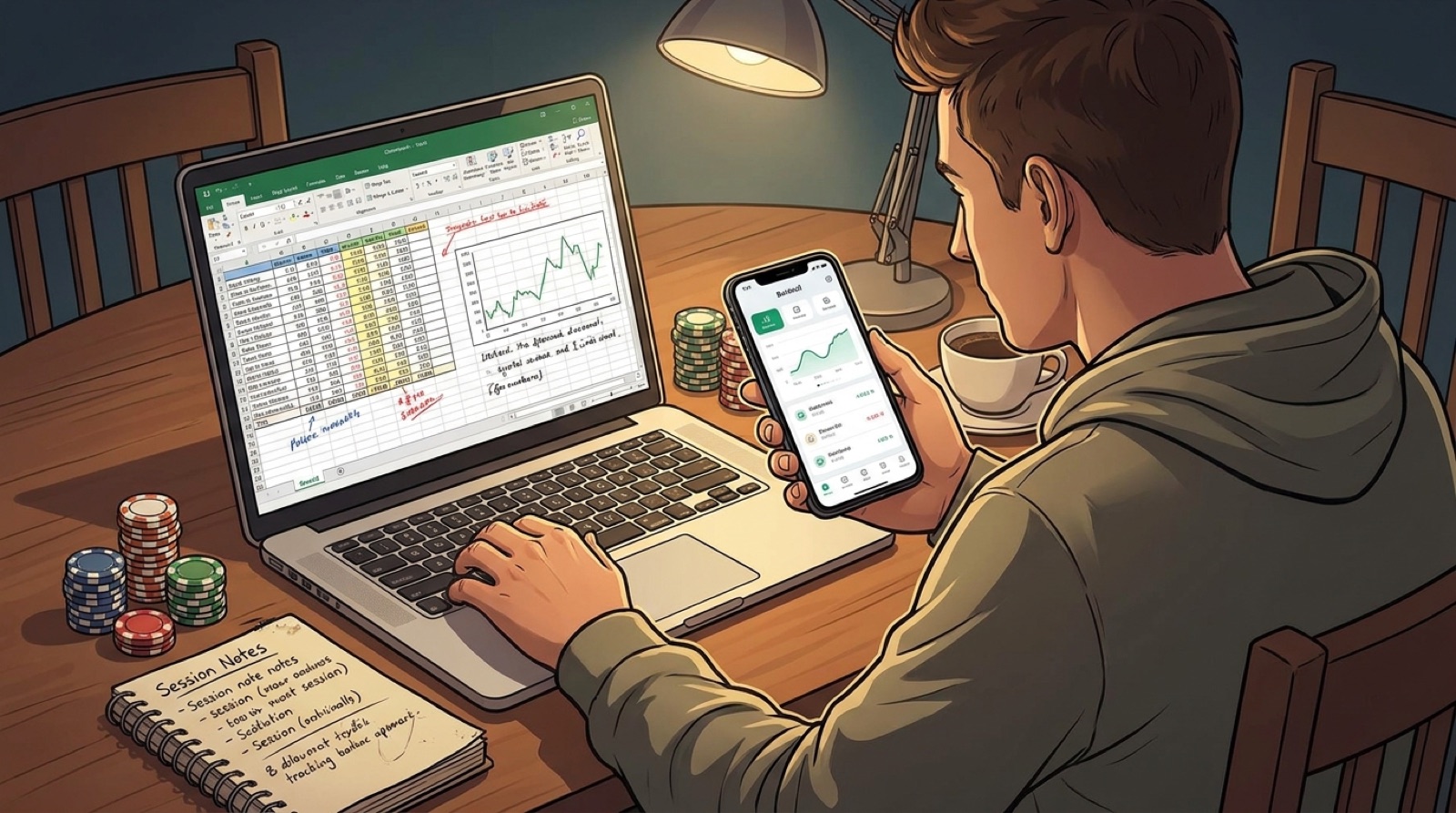
A spreadsheet can be annoying, but at least it is honest if you build it well. If an app is less clear than your spreadsheet, it is not an upgrade. If you are comparing both, read the poker bankroll app vs spreadsheet guide.
A quick test before you commit
Do not judge a tracker app from the screenshots alone. Run a small test with your next few sessions.
- Log one normal session right after you finish playing.
- Add one note about table quality and one note about your biggest decision.
- Log one losing session and check whether the app makes it easy to stay honest.
- Filter by stake, venue, or format.
- Try to export or back up the data.
- Open the app a week later and ask whether it helps you make a better game-selection decision.
If the app fails that test, keep looking. If it passes, keep the habit simple. Log the session before the story changes in your head.
Where Poker Stack fits
Poker Stack is built for players who want a clean bankroll and session record without turning poker into spreadsheet homework. It is most useful when your core problem is logging sessions, reviewing results, comparing games, and keeping bankroll decisions honest.
It is not trying to replace every poker tool on your phone. Keep your study tools, odds calculators, and training apps if they help. Then use Poker Stack to record the part those tools do not know: what happened to your bankroll after real sessions.
You can install Poker Stack from the App Store and track the next session while the details are still fresh. If you want the wider product view first, start with the Poker Stack bankroll tracker app guide or the poker tracking guide.
Related Poker Stack reading
Poker odds calculator vs bankroll tracker: which app solves which problem?
 Poker bankroll app vs spreadsheet: which one keeps you honest?
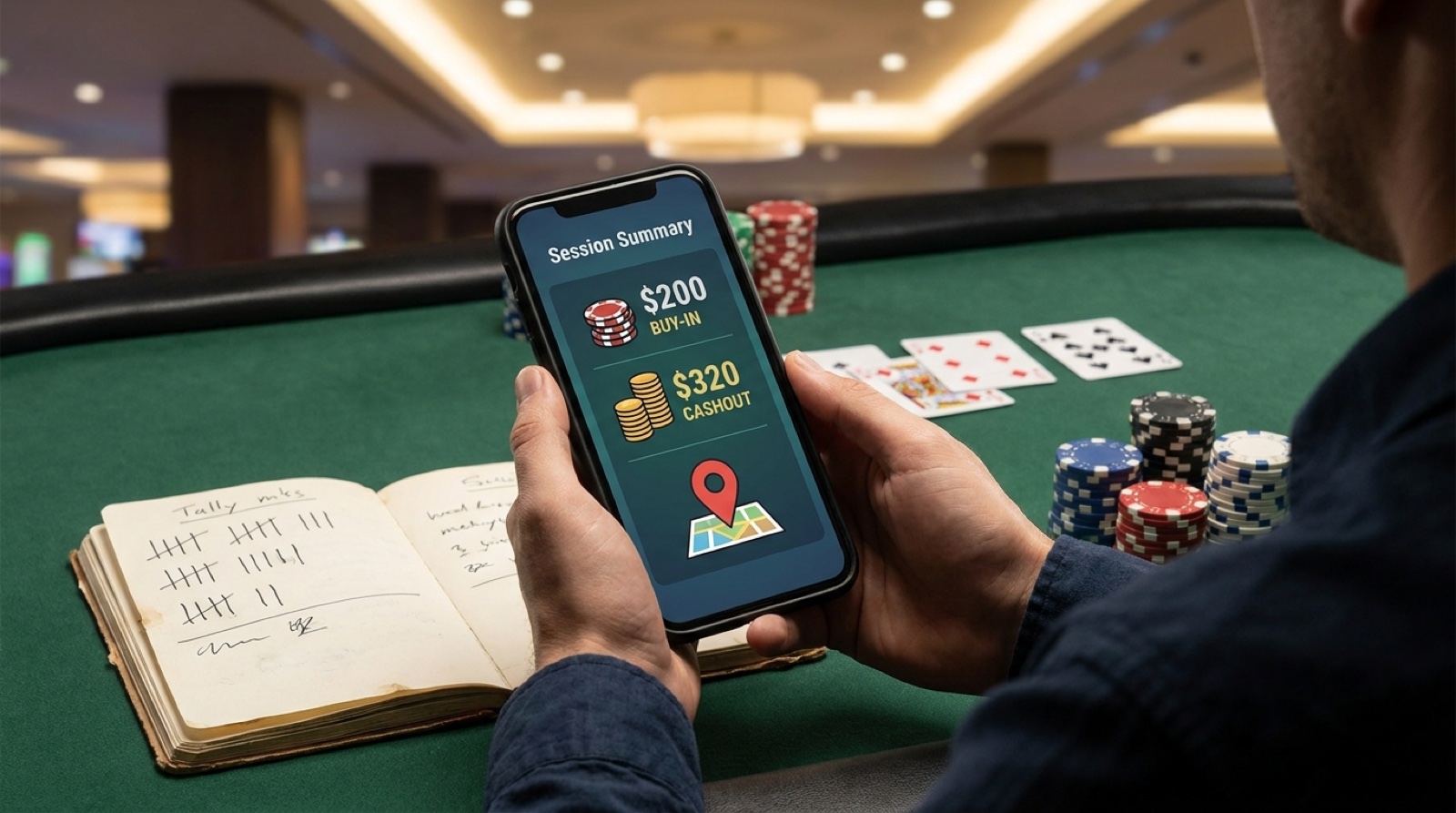 Poker bankroll tracker app: what to record after every session
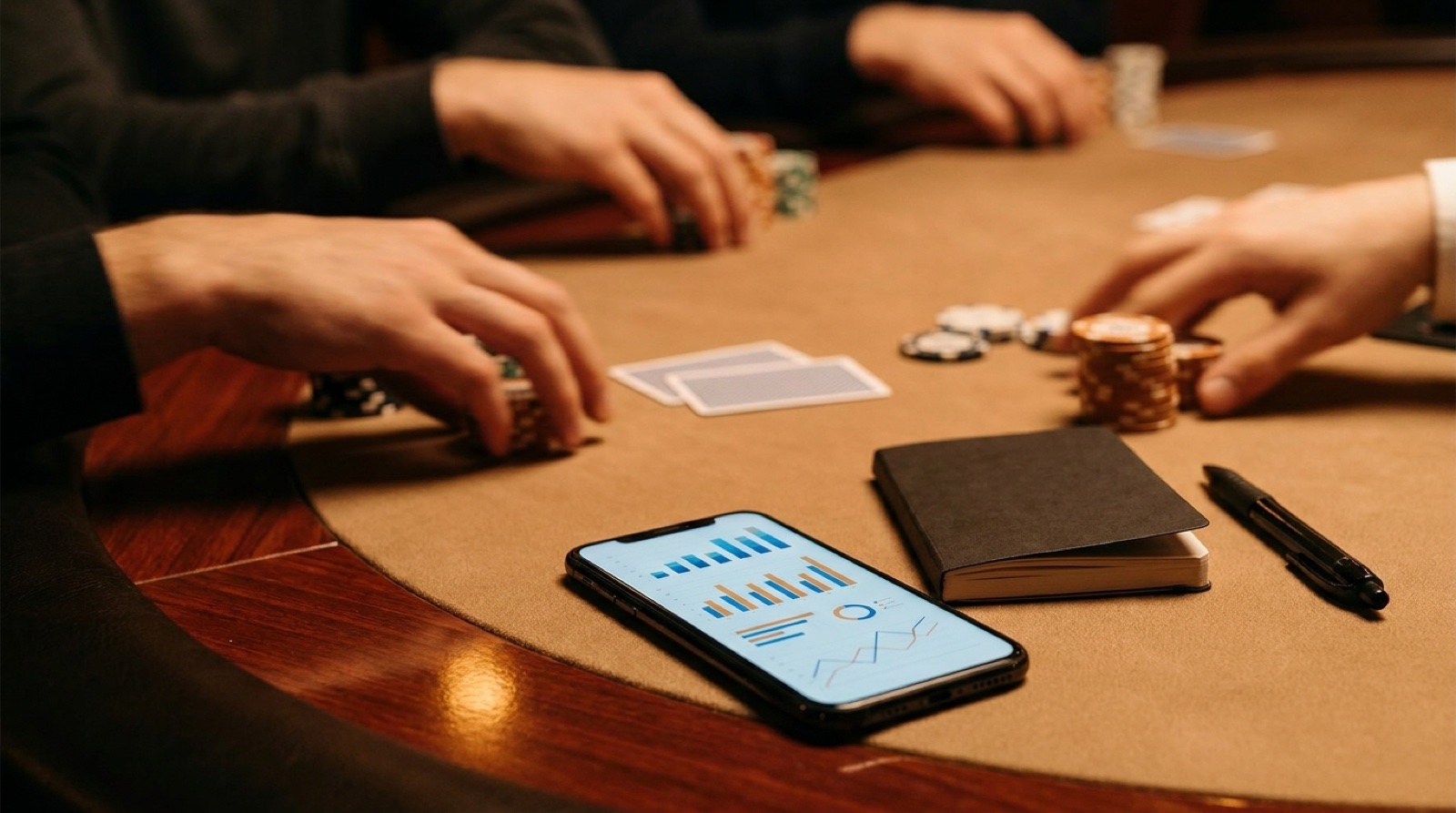 How to track live poker sessions without a spreadsheet
Read our blog