 How to track live poker sessions without a spreadsheet
Poker tracking software helps you turn poker sessions into data. Some tools track online hand histories and show a HUD. Some apps track bankroll, location, stakes, buy-ins, cash-outs, and notes. The best choice depends on whether you play online, live, or both.
If you play live poker, a session and bankroll tracker is usually the first tool you need. If you play online on sites that allow downloaded hand histories, a HUD and hand-history database can help you review hands and study opponents. If a tool gives real-time advice, check the poker site's rules before you use it.
Track your own results: The Poker bankroll tracker app guide explains what Poker Stack records, when an app beats a spreadsheet, and how to review sessions with less guesswork.
Poker tracking software types
The phrase poker tracker gets used for several different tools. This is why the search results feel messy. A live cash player, an online grinder, and a tournament player may all want tracking, but they do not need the same software.
| Tool type | What it tracks | Best for |
|---|---|---|
| Bankroll and session app | Buy-ins, cash-outs, stakes, venue, game type, notes, profit and loss | Live players, travel grinders, anyone who wants clean poker records |
| Online hand-history tracker | Imported hands, results, positions, bet sizes, filters, reports | Online players who can legally download hand histories |
| HUD | Opponent stats from hands you have played or imported | Online cash and tournament players on sites that allow HUDs |
| Tournament results tracker | Public tournament results, player profiles, online MTT data | Tournament study, opponent research, and staking checks |
| Solver or real-time assistant | Strategy output, sometimes during play | Study away from the table. Real-time use is often banned. |
The important split is simple. Tracking your own results is normal. Reviewing hands after a session is normal. Using software that tells you what to do while you are playing can break site rules and put your account at risk.
Best poker tracking software options
There is no single best poker tracking software for every player. A live player does not need a desktop HUD. An online multi-tabler probably wants hand histories and reports. A tournament player may care more about buy-ins, ROI, variance, and public results.
| Tool | Main use | Good fit |
|---|---|---|
| Poker Stack | Bankroll and live session tracking | Live cash players, tournament players, and anyone who wants a clean record of poker profit |
| PokerTracker 4 | Online hand histories, reports, graphs, and HUDs | Online players on supported sites who want deep database analysis |
| Holdem Manager 3 | Online results database, reports, replayer, and HUD | Online cash and tournament players who want detailed reports |
| Hand2Note | Reports, HUDs, and advanced online poker statistics | Players who want more custom HUD and report options |
| Poker Copilot | HUD and tracking software for Mac and Windows | Players who want a simpler desktop tracker and HUD setup |
When Poker Stack is enough
If your main question is "Am I winning at live poker?", you do not need a HUD. You need accurate session records. Poker Stack tracks buy-ins, cash-outs, stakes, game type, location, notes, bankroll movement, and long-term profit.
That matters because live poker memory is unreliable. A player remembers a big winning night and forgets the three small losing sessions around it. A tracker shows the real number. It also helps you compare venues, stakes, formats, and time of day.
For live players, start with these fields:
- Date and venue
- Game type and stakes
- Buy-in, rebuys, add-ons, and cash-out
- Session length
- Notes about table quality, tilt, fatigue, and major hands
If you hate spreadsheets, read our guide on how to track live poker sessions without a spreadsheet. If you are comparing tools, the poker bankroll app vs spreadsheet guide explains the trade-offs.
When you need a HUD or hand-history tracker
A HUD and hand-history tracker make sense when you play online on a site that supports hand histories and allows that kind of software. These tools can show stats like VPIP, PFR, 3-bet frequency, fold to continuation bet, aggression, and position results.

Download Poker Stack Now
"PokerStack is THE app you need to have as a live poker player."
Poker.com


The value is strongest after the session. You can filter hands, review spots, find leaks, and see whether your results match your assumptions. The HUD is useful during play, but the database work after the session is where many players find the biggest improvement.
If you use a HUD, keep it simple at first. Too many numbers can make you play worse. Start with a few core stats, then add more only when you know how each stat changes a decision.
Site rules matter more than the software
Do not assume a poker tracker is allowed everywhere. Poker rooms change their rules often, especially around HUDs, seating scripts, solvers, real-time assistance, and tools that profile opponents during play.
PokerStars publishes a prohibited tools page that separates basic reporting tools from software that gives unfair help during play. GGPoker's Security and Ecology Policy also defines real-time assistance as external help that influences decisions during play or gives an unfair advantage.
The safest habit is to check the rules for the exact poker room before installing anything. If a site says no third-party HUDs or no real-time assistance, take that seriously.
What to track after every poker session
Good tracking is boring in the moment and useful later. The goal is not to write a novel after every session. The goal is to record enough detail that your future self can spot patterns.
| Metric | Why it matters |
|---|---|
| Profit and loss | Shows whether the game is actually making money |
| Hours played | Lets you calculate hourly rate and compare game quality |
| Stakes and format | Separates $1/$2 cash, $2/$5 cash, tournaments, and private games |
| Location | Shows which rooms and games are worth returning to |
| Notes | Captures tilt, fatigue, soft tables, bad game selection, and leaks |
For bankroll decisions, pair tracking with a clear plan. Our poker bankroll management guide explains how to think about stakes, risk, and downswings.
How to choose a poker tracker
- Choose Poker Stack if you play live and want clean bankroll and session tracking.
- Choose PokerTracker, Holdem Manager, Hand2Note, or Poker Copilot if you play online and need hand-history analysis.
- Check your poker site's rules before using any HUD.
- Avoid any tool that tells you what action to take in real time.
- Keep your setup simple enough that you will actually use it after every session.
FAQ
What is poker tracking software?
Poker tracking software records poker results and turns them into useful reports. Some tools track live sessions and bankroll. Others import online hand histories, build databases, and show HUD stats.
What is the best poker tracker app?
For live poker and bankroll tracking, Poker Stack is the cleanest fit. For online hand histories and HUDs, common choices include PokerTracker 4, Holdem Manager 3, Hand2Note, and Poker Copilot.
Are poker HUDs allowed?
It depends on the poker site. Some rooms allow limited HUDs, some ban third-party HUDs, and many ban real-time assistance. Always check the current rules for the site where you play.
Do live poker players need tracking software?
Yes, but live players usually need bankroll and session tracking more than a HUD. Tracking buy-ins, cash-outs, stakes, venue, hours, and notes is enough to see whether a game is profitable.
What should I track in poker?
Track buy-ins, cash-outs, profit, stakes, game type, venue, hours played, and short notes. Online players should also review hands, positions, bet sizes, and recurring leaks.
Related Poker Stack reading
How to track live poker sessions without a spreadsheet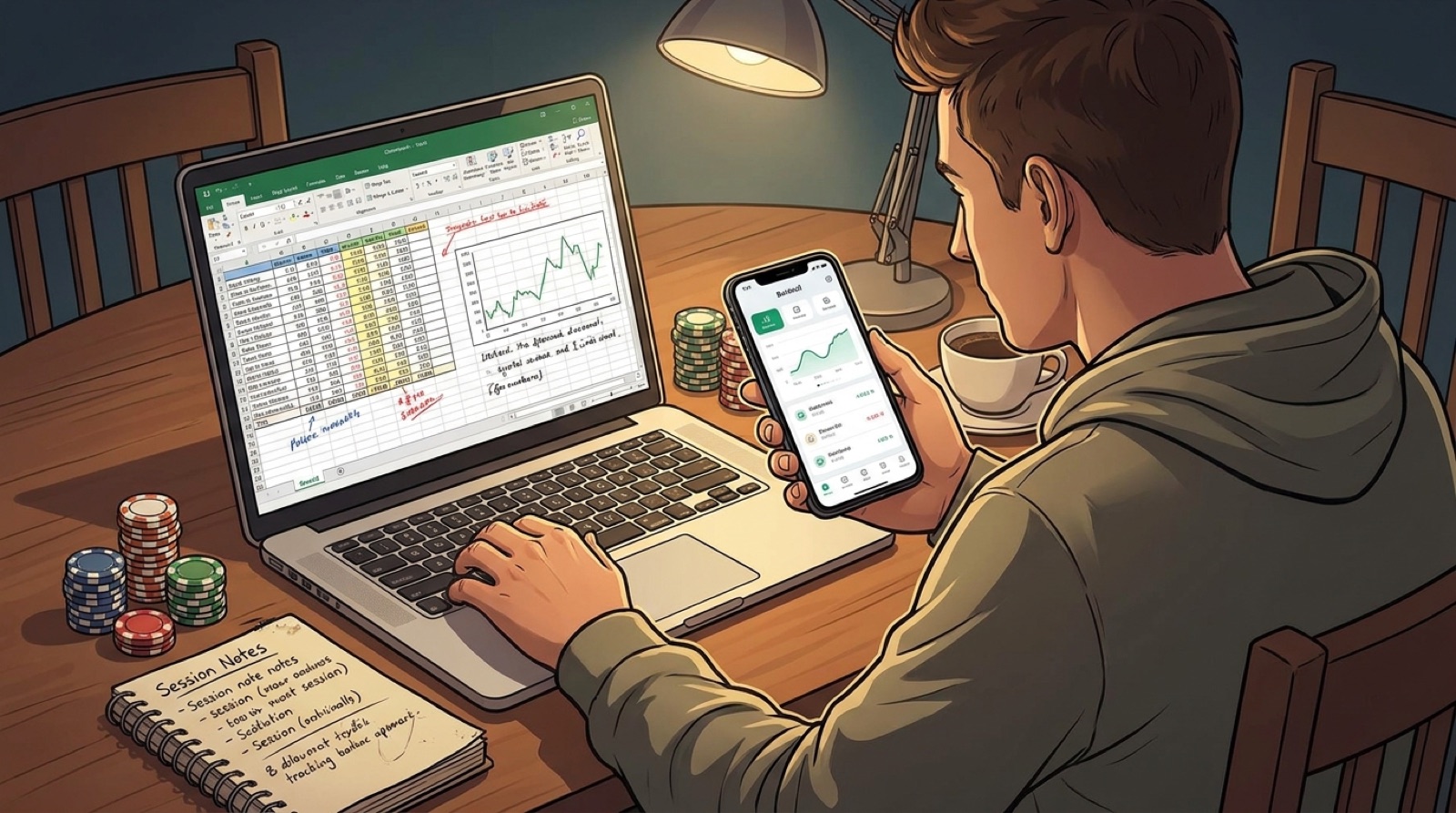 Poker bankroll app vs spreadsheet: which one keeps you honest?
Read our blog