 Best poker odds calculator apps in 2026
The best poker study apps are easier to choose after you install a bankroll tracker, because your own results tell you what to study first. Start with Poker Stack or another session log, then add one training app, one odds tool, and one review habit that fixes the leaks showing up in your sessions.
A lot of players do this backward. They buy a solver, watch random videos, and hope the work turns into better decisions. The better order is simple: track your sessions, find the repeated problem, then pick the app that gives you the right reps.
If your tracker says you are bleeding in short tournament stacks, study push-fold and ICM. If you are losing in deep cash games, drill postflop spots. If your notes keep mentioning bad river calls, review hand ranges and equity before you sit again.
Track your own results: The Poker bankroll tracker app guide explains what Poker Stack records, when an app beats a spreadsheet, and how to review sessions with less guesswork.
Start with a bankroll tracker before study tools
A study app cannot tell you what your game needs if you never record what happened. Use Poker Stack as the base layer: buy-in, cashout, game type, stakes, location, hours, and notes. Those fields turn vague poker pain into a study list.
After ten or twenty sessions, look for the same line showing up again. Maybe you lose more in splashy private games than in the public room. Maybe long sessions drop your hourly rate. Maybe your tournament re-entries are bigger than you thought. That is your study plan.
This is why a bankroll tracker belongs before a training app. The tracker tells you where money leaves. The study app helps you stop it.
Best overall solver trainer: GTO Wizard
GTO Wizard is the strongest pick for players who want a serious solver trainer, hand analysis, and a large library of pre-solved spots. Its own site describes a trainer, hand analyzer, aggregated reports, and instant feedback across many poker situations.
Use it when your session notes keep pointing to unclear postflop decisions. The value is not opening a random river spot for five minutes. The value is picking one common situation from your real play and drilling it until the decision feels less mysterious.
Good fit:
- Cash-game and tournament players who already know the basics
- Players who want solver-backed feedback
- Players with enough discipline to study one spot family at a time
Bad fit:
- Beginners who need hand strength order, pot odds, and simple preflop structure first
- Players who will browse solver outputs without turning them into drills
Best game-like trainer: Lucid Poker
Lucid Poker, from the Upswing Poker world, is better if you want training that feels closer to reps than homework. The current site focuses on interactive drills, daily challenges, instant feedback, and large solved-hand libraries.
This is useful for players who know they should study but struggle to sit with dense solver screens. If you only have twenty minutes before a session, a few direct drills can beat pretending you are going to review a full database.
Use Lucid when your tracking shows the same decision type hurting you, but you need a cleaner way to practice. For example: continuation-bet decisions, common turn barrels, or river bluff-catch spots that keep showing up in your notes.
Best tournament trainer: DTO
DTO MTT is built for tournament and sit-and-go study. Its App Store listing describes GTO-based MTT and SNG scenarios, stack-size controls, position controls, grading, and immediate feedback.
That makes it a better choice for tournament players than a generic cash-game tool. If your tracker shows that re-entries, late-reg spots, or short-stack decisions are damaging your bankroll, DTO gives you a more direct way to work on those spots.
The key is to connect DTO to your real schedule. If you are playing a weekend tournament, spend the week drilling the stack depths you expect to face. If you keep busting near the bubble, do not spend all your study time on deep-stacked early levels.
Best coaching-library app: PokerCoaching
The PokerCoaching app is a good fit if you want a broader education path instead of only solver drills. Its current listing mentions preflop charts, quizzes, push-fold work, hand quizzes, video classes, webinars, and structured courses.
This works well for players who need order. If your notes say you are confused in many areas at once, a course library may be better than jumping straight into advanced solver work. Start with one theme: preflop ranges, tournament push-fold, cash-game fundamentals, or river decisions.
The danger is content collecting. Watching lessons feels productive, but your bankroll only cares about what changes at the table. After each lesson, write one rule for the next session and check whether you followed it.
Best odds and equity tool: PokerCruncher
PokerCruncher is still one of the cleaner phone-first odds and equity tools. Its official site lists advanced Texas Hold'em odds and equity apps for iPhone, iPad, Android, and Mac.
You do not need an equity calculator for every decision. You need it for hands where your memory lies. If you wrote down, "I think my call was close," put that hand into an equity tool later. Compare your hand against a real range, not the two hands you hoped villain had.
If you want a deeper calculator comparison, read Poker Stack's guide to best poker odds calculator apps. Upswing Poker also keeps a useful overview of odds and equity calculators if you want to compare desktop tools. Use a calculator to check math. Use a bankroll tracker to see whether the same spot keeps costing you money.

Download Poker Stack Now
"PokerStack is THE app you need to have as a live poker player."
Poker.com


How to choose your next study app
Do not install five tools and call it a plan. Pick based on the leak your bankroll tracker keeps showing you.
| Your tracking pattern | Study app to try first | What to study |
|---|---|---|
| Big losses in repeated postflop spots | GTO Wizard or Lucid | One spot family, such as c-bet pots or river calls |
| Tournament bustouts at shallow stacks | DTO or PokerCoaching | Push-fold, ICM, and stack-depth drills |
| Confusion about close calls | PokerCruncher | Hand versus range equity after the session |
| No clear leak, just scattered results | Poker Stack first | Session logging, notes, and game selection review |
This table is not about finding the most advanced app. It is about matching the tool to the leak. A normal player who studies the right twenty spots will usually get more value than a distracted player with every subscription.
A weekly study routine that starts with your sessions
Here is a simple routine that works for live players and online grinders:
- After every session, log the result in Poker Stack.
- Add one honest note about the most expensive decision or table condition.
- Once a week, review the notes and pick one repeated theme.
- Choose one study app for that theme.
- Drill for 20 to 30 minutes, three times that week.
- Before the next session, write one rule you will actually follow.
- After the session, check whether the rule changed your decision.
This keeps study tied to money. You are not studying poker as a subject. You are studying the game you actually play, at the stakes you actually play, with the leaks your own record shows.
Where bankroll tracking and study apps meet
A bankroll tracker will not teach you how to play a turn probe bet. A solver trainer will not tell you that your Friday private game is crushing your monthly profit. You need both views.
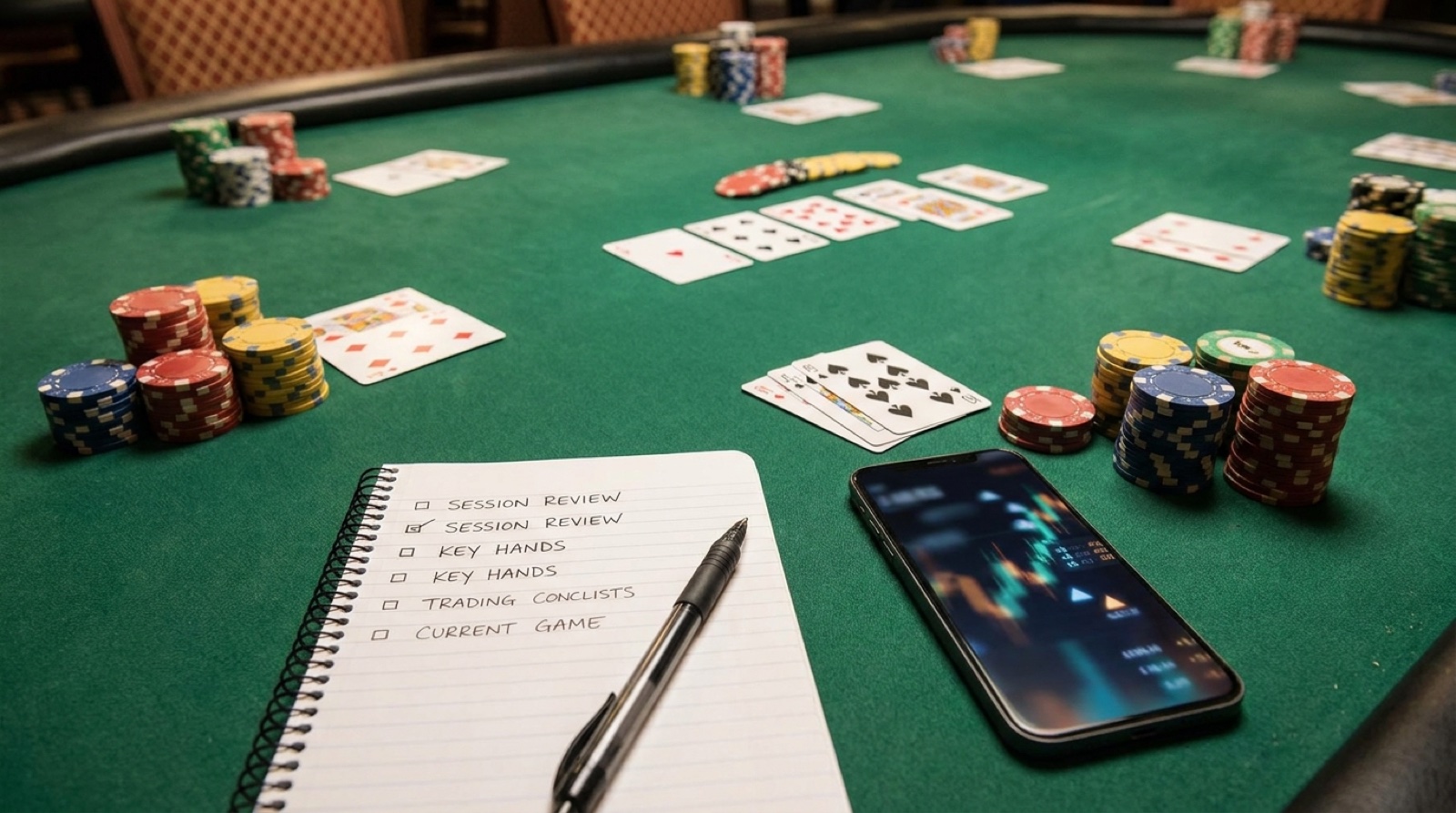
Use session recording to capture what happened. Use a cash game session review checklist to turn the result into a question. Use a study app to answer the question with reps.
If your recent sessions show that rake and room choice are part of the problem, read the poker rake tracker guide too. If travel costs are leaking into your poker results, the poker trip budget guide will keep the full cost visible.
Do not let study become procrastination
Study apps can become another way to avoid reviewing your actual game. If you keep buying tools but never write down what happened at the table, the problem is not a missing app. The problem is no feedback loop.
Start small. Track every session for two weeks. Pick one leak. Use one app. Drill one spot. Then go play and record whether the work changed anything.
That is the best poker study app setup for most players: Poker Stack for the money trail, one training app for the leak, and enough discipline to review the same problem until it stops showing up in your results.
Related Poker Stack reading
Best poker odds calculator apps in 2026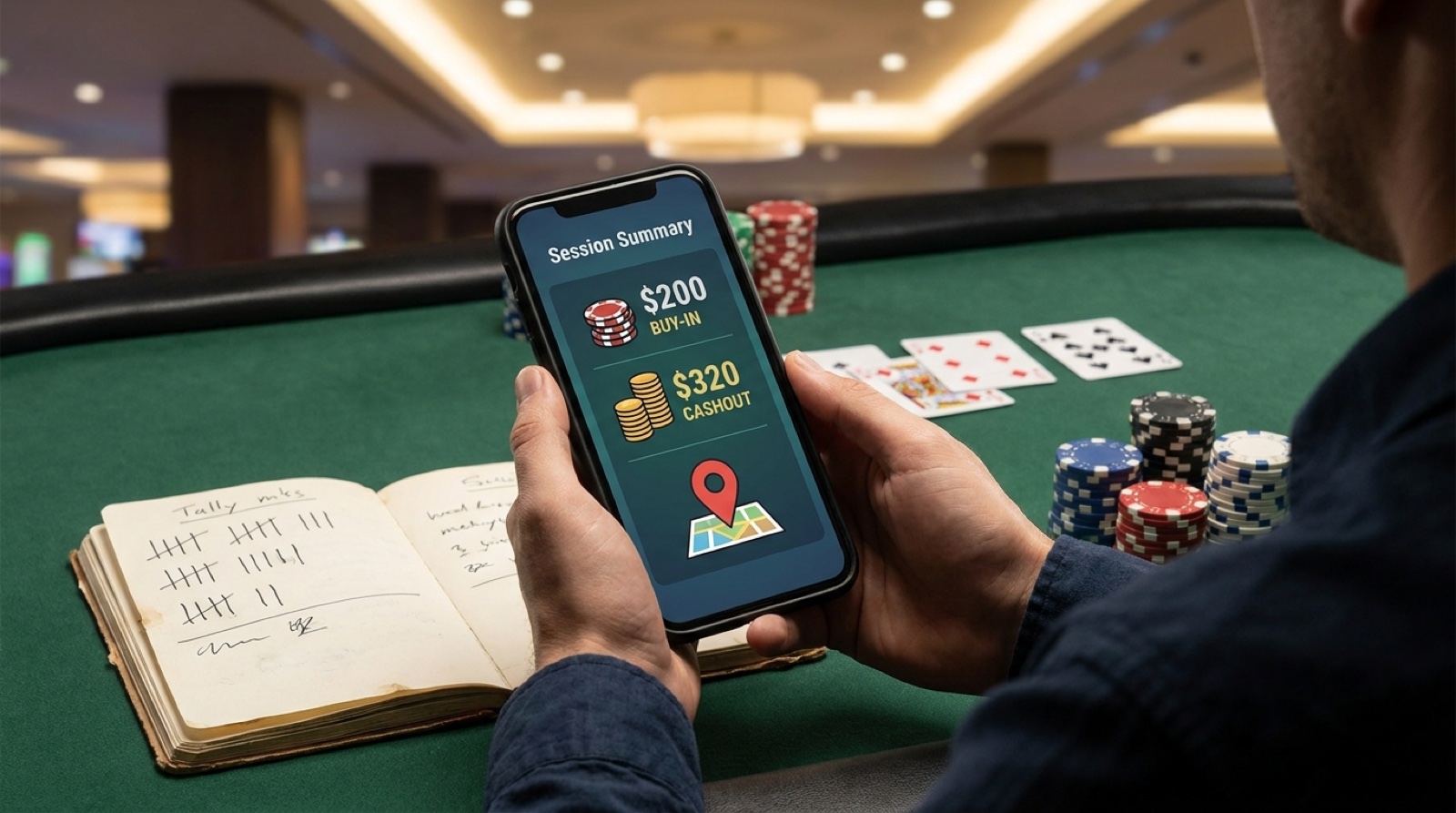 Poker bankroll tracker app: what to record after every session
 Cash game session review checklist for live poker players
 Poker rake tracker: how timed rake and pot rake change your win rate
Read our blog